pip install kaio
from kaio import Client
# Initialize client
client = Client("https://api.kaion5.com")
# Login with your API key
client.login("your-api-key")
# Submit a job
result = client.submit_job(
directory="./my-ml-project",
job_name="training-job",
instance_type="ml.g4dn.xlarge",
entrypoint="train.py"
)
For scientists, developers, engineers, and python people around the world, Kaio is an MLOps tool that works directly from your IDE, accelerating and enhancing data processing and ML model building workflows while freeing you from cloud compute and infrastructure overhead. With Kaio, you can focus entirely on speed, experimentation, and discovery.
The Python client that bridges your local development with cloud power:
client.submit_job(framework="pytorch") # or auto-detect
client.submit_job(directory="./code", entrypoint="train.py")
instance_type="ml.p3.2xlarge" # CPUs to GPUs
Supports: PyTorch, TensorFlow, Scikit-learn, Jupyter notebooks (.ipynb), and custom environments
Data preprocessing, training, validation & inference orchestrated and accelerated with the right compute.
Spin up GPUs in minutes, tear down when done.
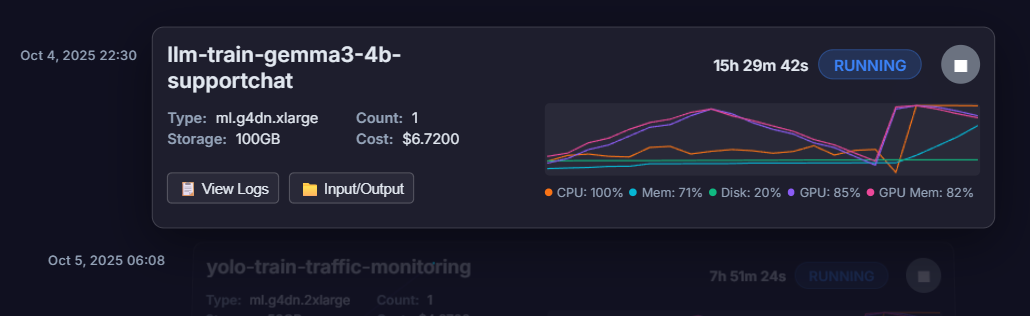
Keep track of logs and job runtime metrics.
Real-time cost tracking and automatic teardown to optimize spending.
Please complete the information below to get access